Read the message and its reason
See the email or text, plus why myuser.ai picked it for this shopper.

HOW myuser.ai WORKS · FOR SHOPIFY
myuser.ai’s AI uses what a shopper views, buys or leaves in their cart to write their next email or text.
You choose the designs, offers and types of messages. myuser.ai takes care of each shopper’s follow-up.
01 / YOUR PART
You don’t have to start with a blank email. myuser.ai builds designs from your store. You check them and choose what to turn on.
Bring in your products and past orders. Turn on myuser.ai in your theme so it can see store visits.
Use your logo, colors and photos. Edit the designs myuser.ai will use to write each shopper’s email.
Choose what shoppers sign up for. A guide, a deal or a quiz can give them a reason to join.
Turn on email, texts or pop-ups in the app. Follow-up messages go to shoppers who signed up for them.
 You choose in myuser.aiExample settings
Set a weekly message goal. It guides how often myuser.ai follows up.
Your email domain is optional. You can start with myuser.ai’s sender and add your own later.
Look inside the app02 / myuser.ai’S PART
Pick what the shopper did. See the facts myuser.ai uses, the reason for the message, and what the shopper gets.
New email signup
WHAT myuser.ai USES
myuser.ai’S NEXT STEP
Nora asked for a guide. Her first email should give her that guide, with a clear link to open it.
What Nora getsSample email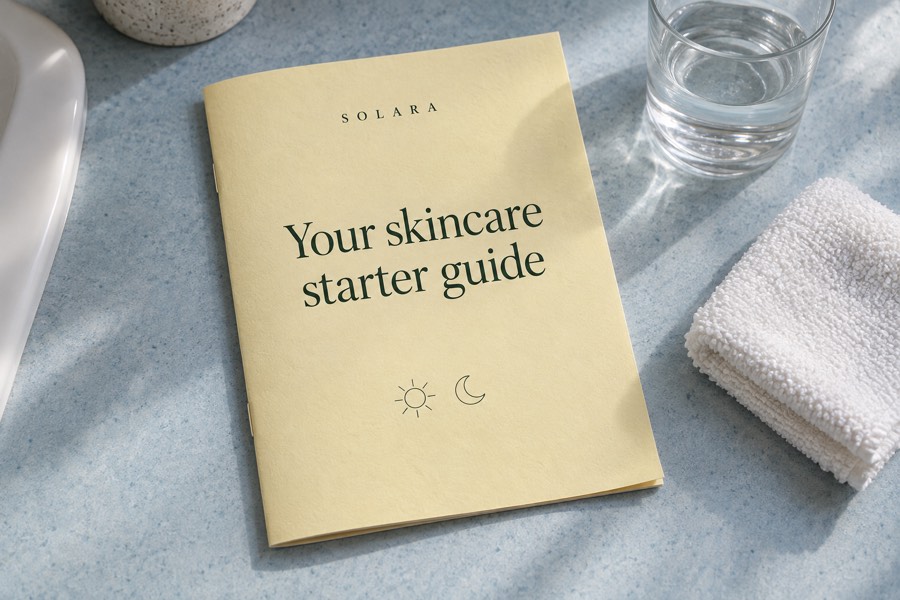
THANKS FOR SIGNING UP
Hi Nora, here’s the skincare starter guide you asked for. Find a simple plan for the morning and at night.
You signed up for the Solara skincare guide. UnsubscribeTry the email’s button. It opens a sample page here.
YOUR STARTER GUIDE
A simple guide to building your daily routine.
Wash. Moisturize. Add sun care.
Wash the day away. Moisturize.
Sample guide · This shows where the email’s button leads.
A pop-up can do more than collect an email. Its follow-up can use the offer and the answers from the form.
Try the pop-up editorAn item left in her cart
WHAT myuser.ai USES
myuser.ai’S NEXT STEP
Maya already picked an item. Show that item, its price and a link back to her cart.
What Maya getsSample email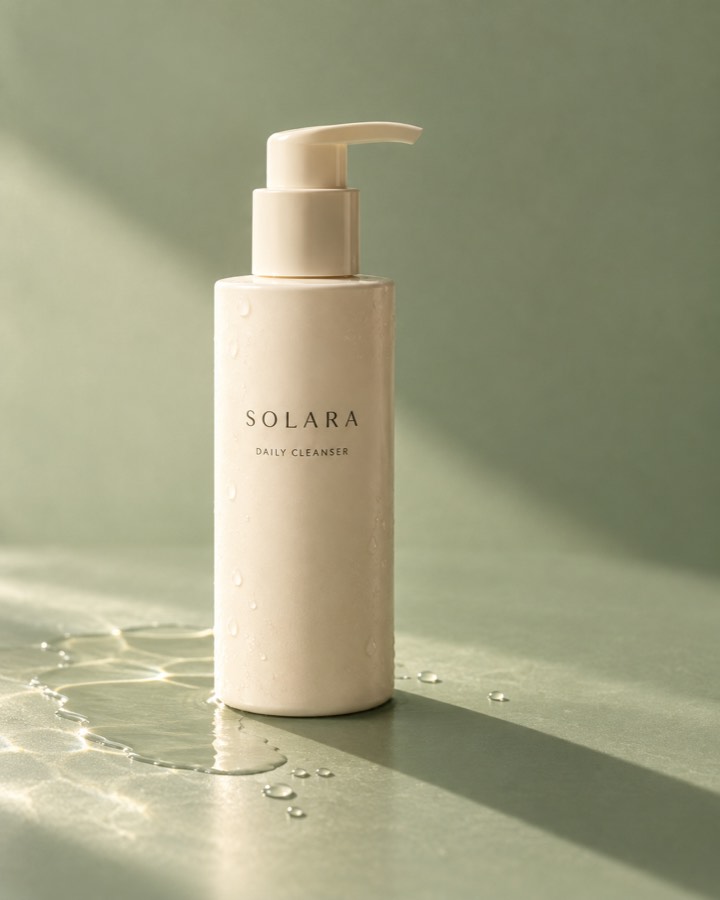
SAVED IN YOUR CART
Hi Maya, here’s the cleanser you picked. Your cart is ready when you are.
Try the email’s button. It opens a sample page here.
YOUR SAVED CART
200 ml · Qty 1
Your item is back in view. In the store, Maya can finish checkout from here.
Sample cart · No order is placed.
myuser.ai uses the cart and past visits to write the reminder. You can turn cart emails off if another app sends them.
More about cart remindersA reply to a cart text
WHAT myuser.ai USES
myuser.ai’S NEXT STEP
Finn thinks $48 is too much. myuser.ai can use the store’s offer and suggest a smaller bottle.
What Finn getsSample text chatSolaraText message · SMSmyuser.ai answers with this sample store’s prices and offer.
Replies use your products and active offers. The AI does not need to offer a new discount to answer a question.
See a text replyA past buyer visiting again
WHAT myuser.ai USES
myuser.ai’S NEXT STEP
Eli knows the cleanser. His new visit shows interest in the smaller bottle. That gives myuser.ai a new reason to write.
What Eli getsSample email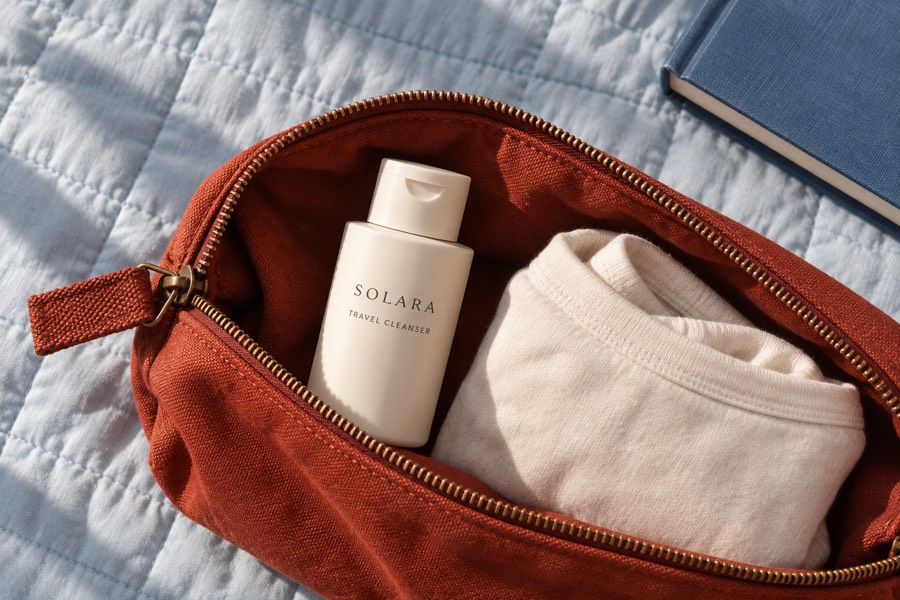
YOUR CLEANSER. SMALLER BOTTLE.
Hi Eli, the cleanser you bought also comes in a 60 ml bottle. Here’s the travel size you took a look at.
Try the email’s button. It opens a sample page here.
SMALL BOTTLE. SAME CLEANSER.
The button goes straight to the bottle Eli viewed.
Sample product page · No order is placed.
Past orders and new visits shape the next message. myuser.ai also checks recent sends so it can move the story on.
More about bringing buyers backmyuser.ai checks recent visits and past messages. It can add a follow-up, change one, remove one or leave things as they are.
03 / STAY IN THE LOOP
Open a shopper’s page to see visits, orders and messages in one place. You can read the email they got and edit one that has not been sent yet.
One item · $48
“Maya, your Daily Cleanser is still here”
Maya came back to her cart.
See the email or text, plus why myuser.ai picked it for this shopper.
Edit a scheduled message or move its send time. Pause automatic sends when you need to.
See sends, clicks and orders linked to messages. Watch recorded visits when you have them turned on. Jump to pages and activity moments to inspect the shopper’s path.
How to read your sales resultsNEXT / YOUR OWN STORE
Connect your store. Check your designs. Choose when to turn it on.